Echo Field Ops practical reading · Drivers, field teams and the people supporting them
Check that the device can support the actual job before the truck leaves. Battery, connection, correct access and a clear instruction matter more than having an app icon on the home screen. Perform checks while parked.
A damaged charging cable or an old signed-in account can turn an ordinary evidence handover into an evening of chasing. A short routine gives the driver and office a chance to resolve the problem before it affects a customer.
A practical readiness list
- Power: sufficient charge and an appropriate working charger.
- Connection: data access for the intended workflow, with likely gaps discussed.
- Account: the correct person and organisation, not a shared colleague’s credentials.
- Assignment: the expected job and next stop are understood.
- Evidence: the camera works and the required document process is clear.
- Support: a named dispatch contact and agreed safe fallback.
Do not collect unrelated personal material during a device check. If an employer or partner manages the phone, explain the arrangement and the boundaries rather than treating the handset as unrestricted access to a person’s private life.
Test the task, not just the connection icon
Open the current working route and check the information needed for the shift. A network symbol does not establish that the account is valid or that the right assignment is present. A practice photograph can reveal glare or focus problems, but keep practice material out of live job evidence.
If the phone fails, tell dispatch before committing to an evidence process the driver cannot complete. Agree a workable alternative; do not conceal the issue because the truck is already late.
Prepare for Echo without inventing requirements
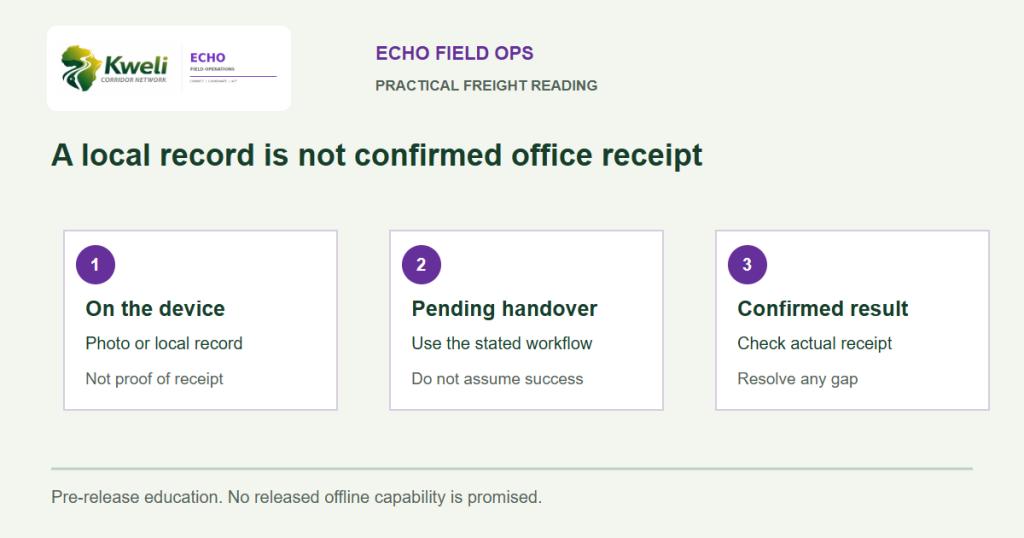
Echo Field Ops is the pre-release native Android field app. Supported device versions, final installation instructions and release availability must come from the official release guidance when published. This checklist does not establish those requirements.
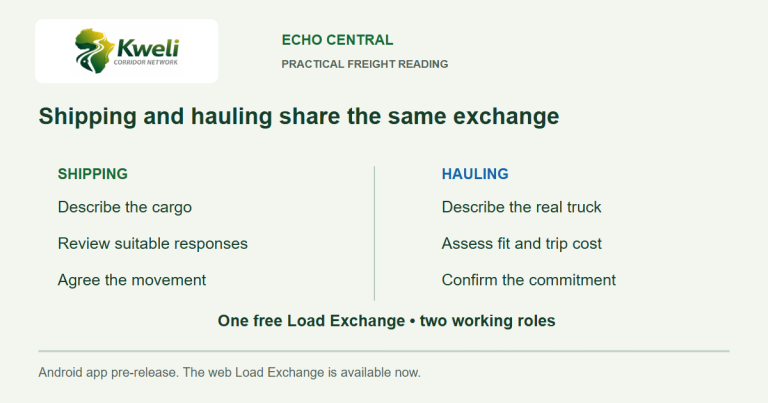
Hamba is available in a phone browser for assigned driver work. The operator can use it today while the Android app is being prepared. Echo Central is a separate pre-release app centred initially on the free Load Exchange.
Keep the whole job in view
Free LX helps an operator find suitable large-truck B2B work. The device supports the people carrying it out; it cannot decide whether the vehicle, route or commercial promise is suitable. Good preparation combines usable tools with a brief the driver can follow.
Practical questions
Does this checklist specify the final Echo minimum Android version?
No. Echo Field Ops is pre-release. Use official release guidance for supported devices and installation requirements when it becomes available.
Should drivers troubleshoot a phone while driving?
No. Complete checks and seek support from a safe parked position, following the carrier’s operating procedures.
Reviewed 7 November 2026. Examples are illustrative, not customer case studies. Product availability and current terms should be checked through official Kweli or Synesys guidance.