Hamba practical reading · Drivers, dispatchers and small fleet owners
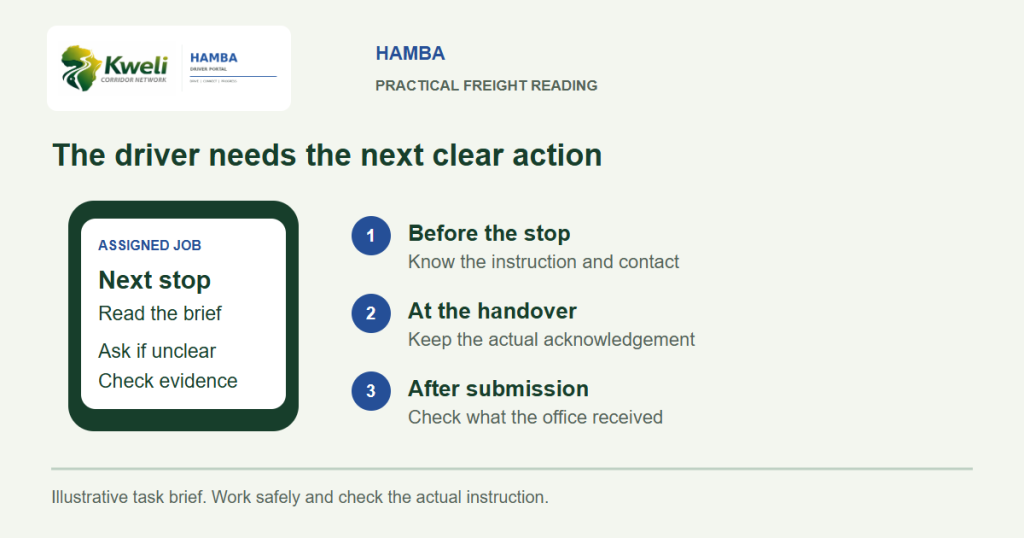
Use Hamba to understand the job assigned to you, check the next stop and raise missing instructions before setting off. Hamba is Kweli’s free driver portal in a phone browser. It is for assigned work, not a public vacancy board.
A driver should not need to guess which of several forwarded messages contains today’s instruction. Before departure, park safely and check the movement with dispatch. If the expected job is missing, ask the office to check the assignment rather than using someone else’s account.
Confirm the working brief
- Are you looking at the job you were told to perform?
- What is the first site and the next required action?
- What collection or delivery window has been confirmed?
- What vehicle, cargo and loading instructions apply?
- Who should you contact if the instruction is unclear?
- What delivery evidence will the office need?
Hamba shows the driver only assigned work. The product guide describes today’s job and next stop, evidence capture and messages from dispatch. It does not mean every commercial detail or every company movement is available to the driver.
Prepare the phone without making it the driver’s burden
Check battery, a suitable charging arrangement and an available connection. Confirm you can open the portal before the vehicle leaves. If a screen or permission is confusing, ask for help while parked; do not try to resolve it while driving.
The office should agree what happens if the phone is unavailable or the signal drops. A basic fallback can identify the dispatch contact and when to call from a safe place. Do not assume browser access means all features work without connectivity.
Understand the location boundary
The published Hamba guide says location is recorded only during an active job assigned to the driver and stops when that job is closed. This is active-load evidence, not a replacement for the carrier’s separate telematics. Ask the office to explain the applicable settings and purpose before starting.
Where free LX fits
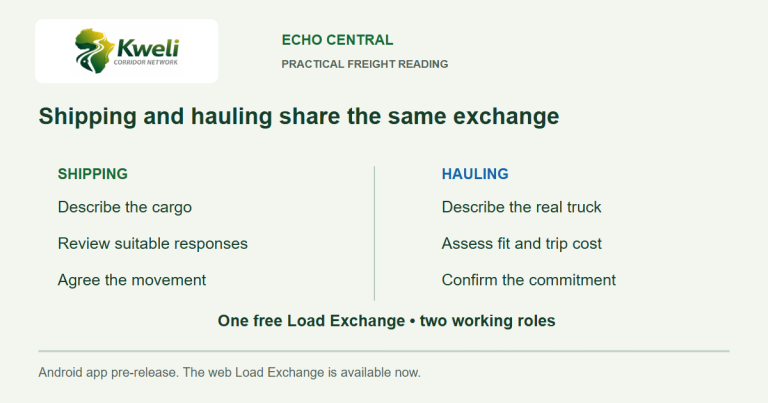
The operator may have found the movement on free LX, through an existing customer or another channel. The driver’s immediate task is the assigned job. The office handles the commercial commitment and KITE execution workflow where used.
Start at the Hamba overview for the current entry route. Echo Field Ops is a separate pre-release Android app; a driver can use Hamba in a browser today without waiting for it.
Practical questions
Does Hamba list driving vacancies or all available loads?
No. Hamba is the driver portal for work assigned to the driver. It is separate from public load discovery and the on-hold Driver Registry.
Does a driver need to install an Android app to use Hamba?
No. Hamba works in a phone browser. Echo Field Ops is a separate pre-release Android app.
Reviewed 7 November 2026. Examples are illustrative, not customer case studies. Product availability and current terms should be checked through official Kweli or Synesys guidance.